
The Breach You Won't Read About: 3 Ways Small Businesses Are Being Hacked Right Now
The Binance breach was a headline. For most small businesses, a breach is never a headline. It is a phone call from a customer asking why your bank details changed, and by then the attacker has been inside for weeks.
In the last two weeks, our SOC team received 13 distress calls from businesses that had just discovered an intruder. Every case was an active attack in progress. None had reached the ransom demand yet.
That is the good news and the bad news. The good news: there was still time to stop it. The bad news: none of these businesses found the attacker themselves.
Here are the three patterns we saw, in plain terms.
1. Your email is the front door. Your Microsoft admin account is the prize.
Most of these calls started with Microsoft 365. An employee clicked a convincing login page, or typed a code into what looked like a genuine Microsoft screen. The attacker captured their session, which meant MFA did not help.
At first, attackers quietly:
- Set up rules to hide emails about invoices and payments
- Read real conversations with your customers and suppliers
- Sent fake "updated bank details" emails from your genuine account
But email was rarely where it stopped. Microsoft 365 runs on Entra ID (formerly Azure AD), the system that controls every login, user and admin in your business. Attackers used scripting tools such as PowerShell to explore it at machine speed. In several cases, they:
- Added their own phone or authenticator app to the victim's account, so a password reset did not lock them out
- Found an account with admin rights, or a helpdesk account that could reset an admin's password
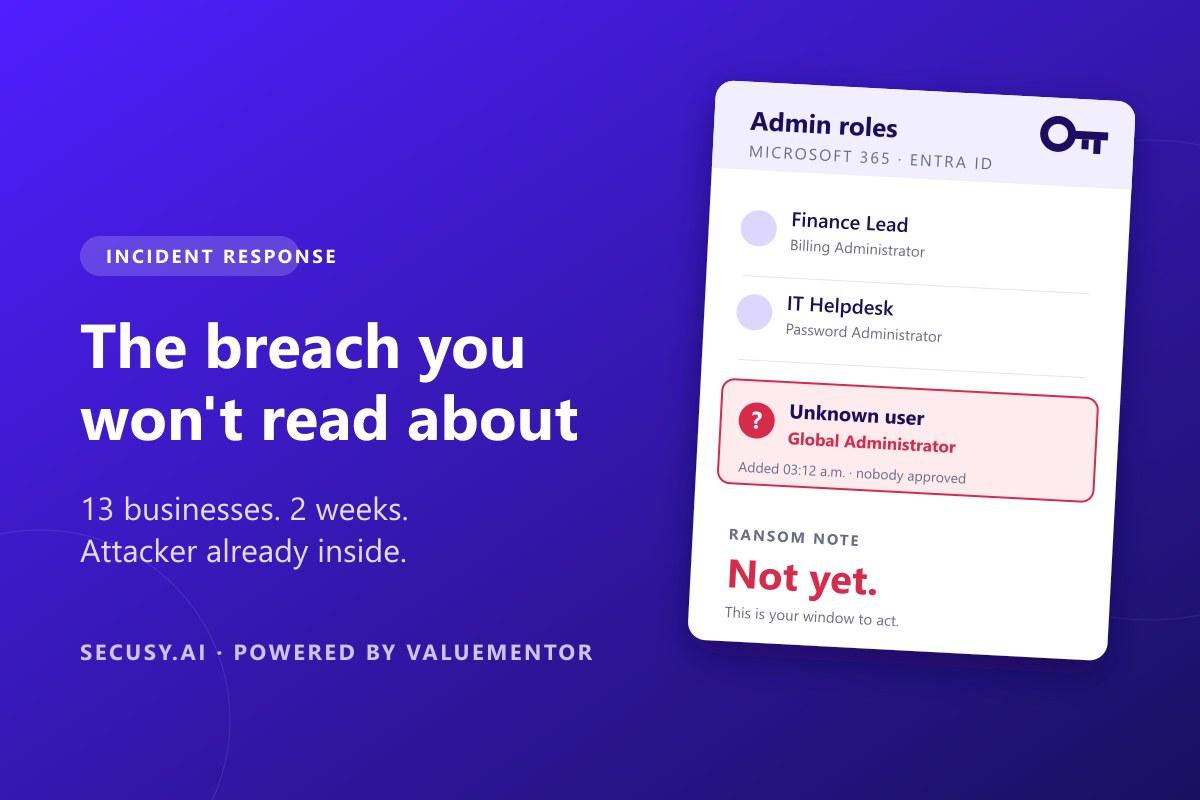
- Gave themselves Global Administrator, the master key to your whole Microsoft tenant
- Created hidden backdoors: new users, guest accounts and connected apps with broad access
- Pulled email from many mailboxes at once, including finance and the directors
Warning signs to watch for: customers mentioning payment changes you did not make, emails disappearing, admins you do not recognise, new sign-in methods on staff accounts, or apps connected to Microsoft 365 that nobody approved.
What to do first:
- Sign affected users out of every session and reset their passwords.
- Remove any sign-in methods and devices you did not add.
- Check who holds admin roles. Remove anyone who should not be there.
- Review connected apps and remove the ones you do not recognise.
- Delete inbox rules and forwarding you did not create.
What to fix after: give admins separate accounts used only for admin work, grant admin rights only when needed, and use phishing-resistant sign-in (security keys or passkeys) for those accounts.
2. The old website nobody looks after
The second pattern was older web applications: a customer portal built years ago, a WordPress site with outdated plugins, a booking system no one updates.
Attackers used known weaknesses to plant hidden files on the server. From there, they collected passwords stored in the application and started copying data out, the step that usually comes right before a ransom demand.
Warning signs to watch for: a slow or unstable website, unexpected files on the server, or your hosting provider flagging unusual traffic.
What to do first: take the site offline or isolate it, change every password and key the site uses, and rebuild it from a clean copy. If the application is no longer needed, retire it.
3. Apps built fast with AI, but not built safely
The newest pattern hit young SaaS companies that built their product quickly with AI coding tools. The apps worked, but nobody checked the security basics.
We found secret keys visible in the website code, databases open to anyone who knew where to look, and pages that showed one customer's data to another simply by changing a number in the URL.
Warning signs to watch for: surprise bills from cloud or API providers, or a customer telling you they can see someone else's information.
What to do first: replace every exposed key, lock down database access, and have someone review who can see what in your app before you ship the next feature.
Why "no ransom yet" is your best chance
In every one of these 13 cases, the attacker was still preparing. They were looking for valuable data, more passwords and your backups. Once the ransom note arrives, you have far fewer options.
If something feels wrong, act now:
- Do not delete anything. Save logs and screenshots.
- Sign out affected accounts and change passwords.
- Check that your backups are safe and disconnected.
- Call an incident response team early.
You do not need to read about your breach in the news for it to cost you your business. You need to find it before the attacker is ready.
Want someone watching for the attacker before the ransom note arrives? Secusy's Managed EDR + SIEM monitors your endpoints, Microsoft 365 sign-ins and logs around the clock, so a rogue admin or a hidden backdoor gets caught while there is still time to act.